



A platform for managing corporate ticket partnerships.
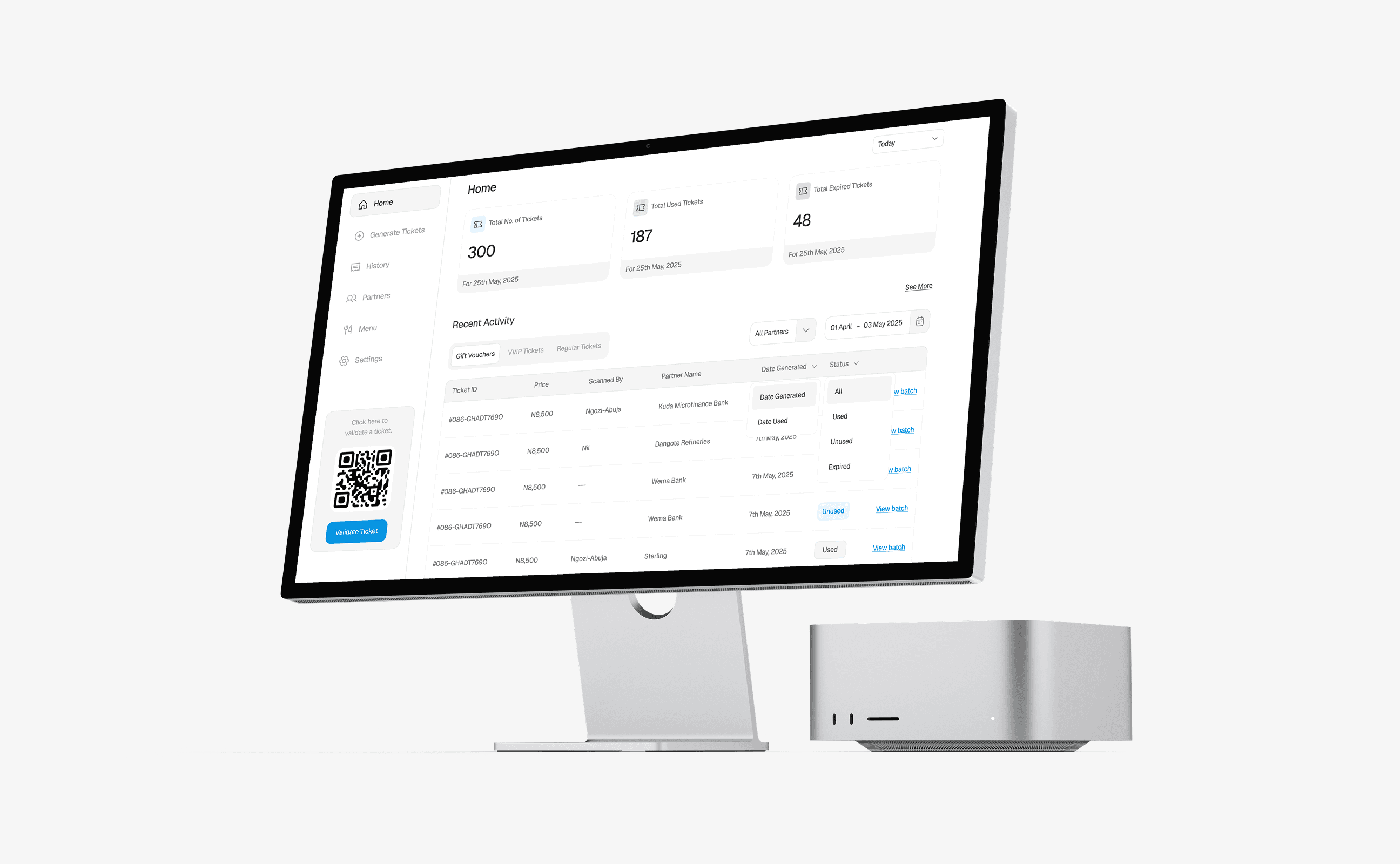
Managing the journey from partnership to ticket.
Corporate partnerships can involve more than agreeing to work together. Once a partnership is confirmed, tickets need to be generated, shared with the right people, and validated when they arrive at the cinema.
This project explored how those operations could be managed through a single web platform, giving cinema staff a way to manage partner records and handle the ticket workflow that follows.
This was an independent design project informed by research conducted by someone who interned at Silverbird Cinemas.
Keeping partner and ticket operations connected.
The experience needed to support two connected parts of the workflow: managing corporate partners and handling the tickets created for them.
Staff needed to be able to check whether a partner already existed, generate the right number and type of tickets, choose the included menu items, and define when those tickets were valid.
After generation, the tickets would be downloaded and shared with the partner. At the cinema, staff would need a way to validate each ticket and review its status.
The design brought these tasks together in one operational interface, with access organised around the responsibilities of different staff roles.
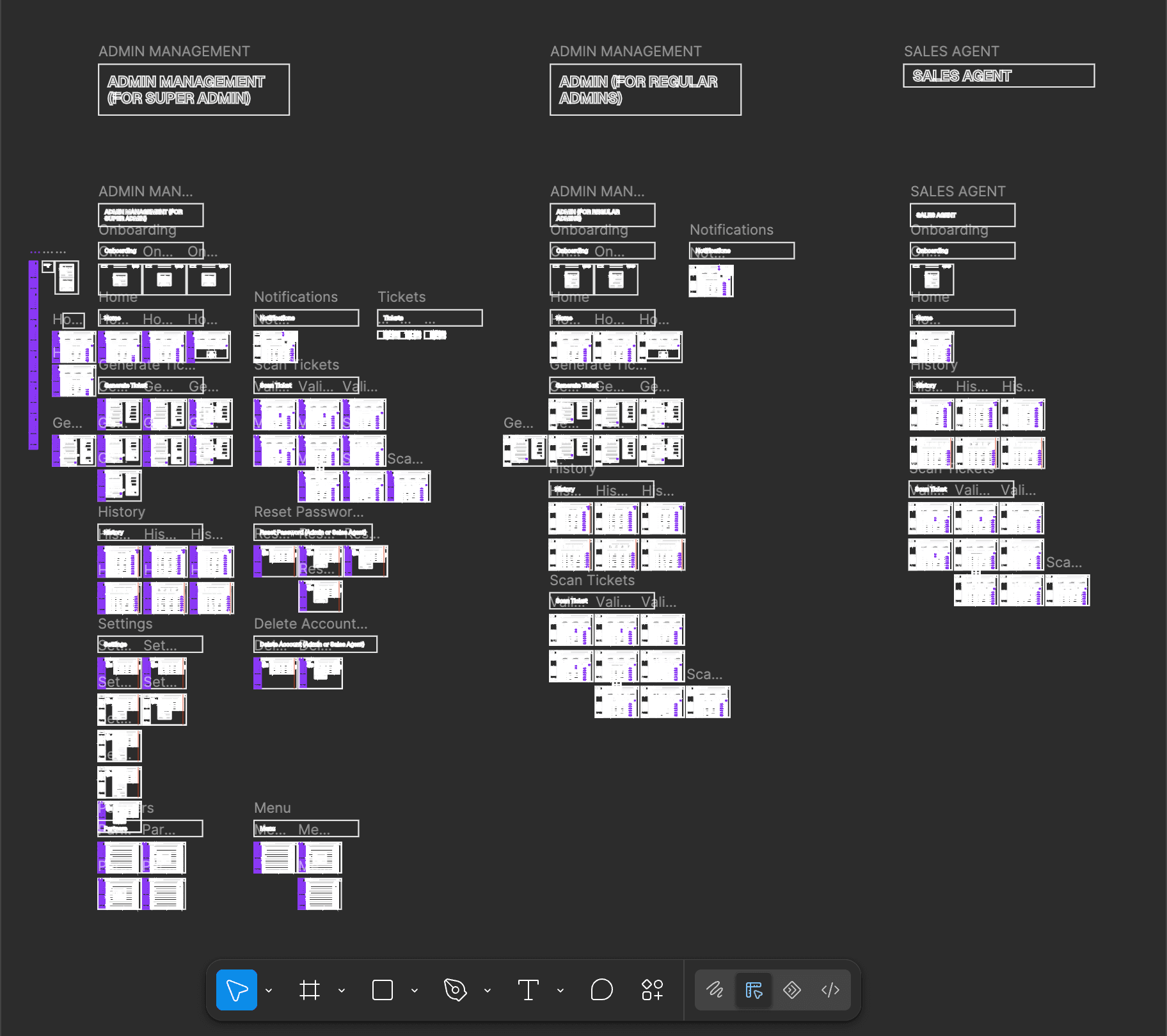
One workflow, from partner records to ticket validation.
The platform centres on partner management. Once management confirms a partnership, the Super Admin checks whether the company is already listed and adds it if it is not.
From there, tickets can be generated for the selected partner. Staff configure the quantity, choose between VVIP, Regular, and Gift Voucher tickets, select available menu items, and set the validity period. The generated tickets can then be downloaded and shared with the partner.
.png&w=3840&q=75)
%2520(Desktop).png&w=3840&q=75)
Each ticket includes a QR code and a unique Ticket ID. Staff can validate a ticket by scanning its QR code or entering its ID manually.
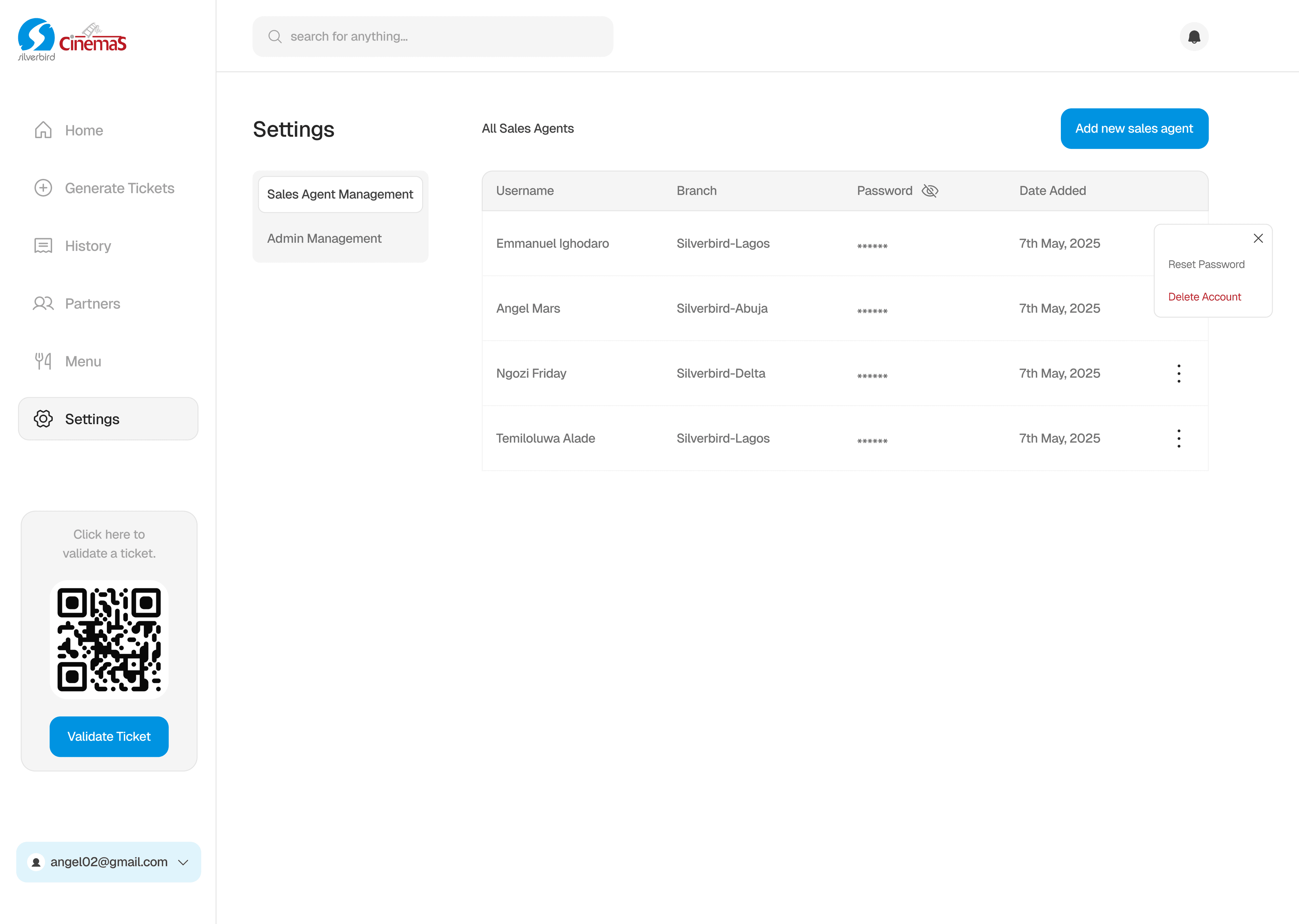
The platform also includes a history view that brings ticket details into one place, including the Ticket ID, price, partner name, generation date, scanning staff member, and ticket status.
.png&w=3840&q=75)
Different responsibilities, a shared overview.
The platform has three roles: Super Admin, Admin, and Sales Agent.
The Super Admin has access to partner management, ticket generation, history, staff management, menu management, notifications, and ticket validation. Admins can generate tickets, view history, scan tickets, and access notifications. Sales Agents can view history, scan tickets, and access notifications.
Each role has a similar dashboard, with cards showing the total number of tickets, used tickets, and expired tickets. A recent activity table, organised with tabs for ticket types, provides another view of ticket activity.
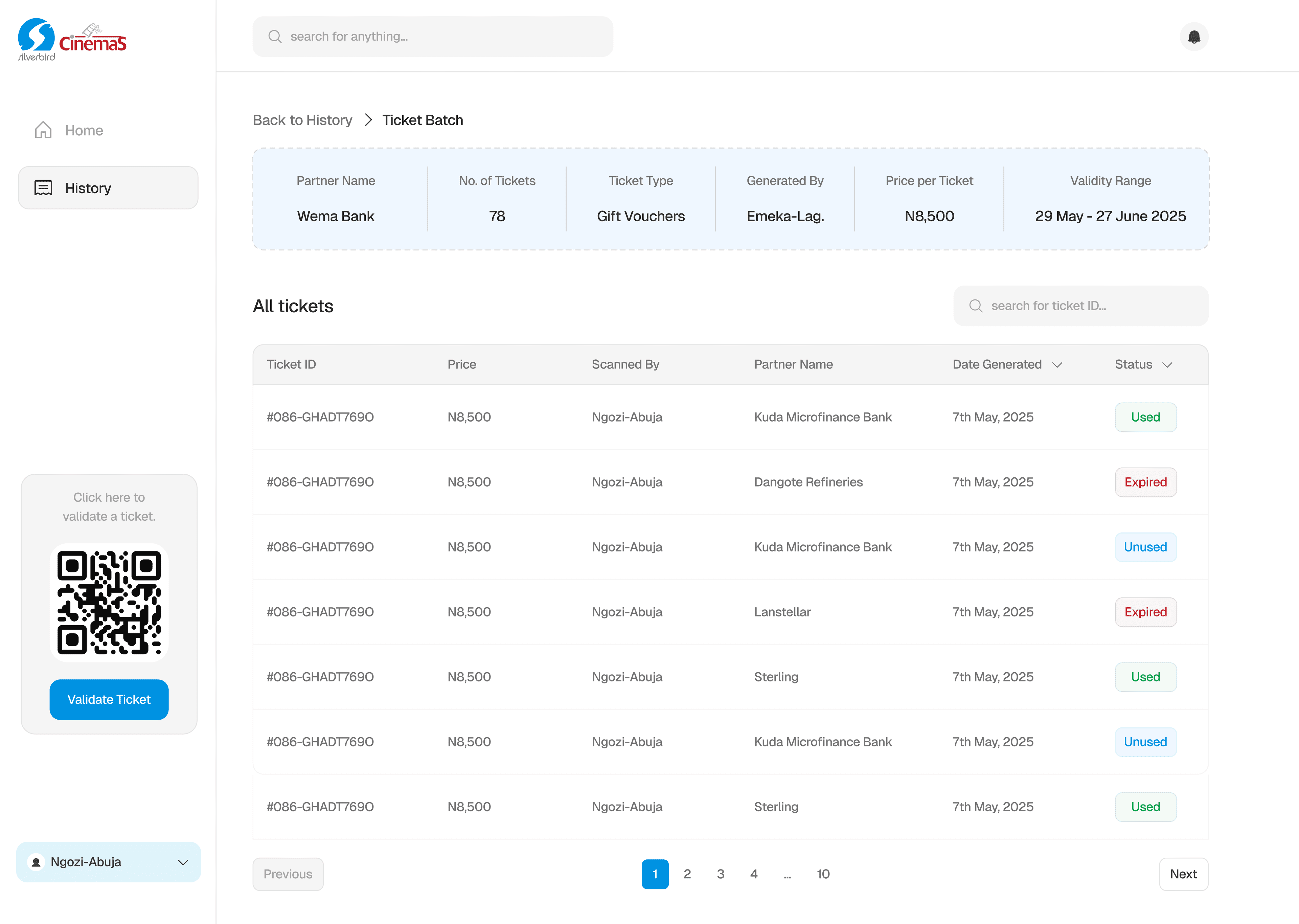
Staff accounts capture a username, branch, and password. The branch field identifies the cinema location associated with each staff member, supporting accountability across multiple branches.
Making ticket selections visible before generation.
When generating tickets, staff can select the food and drinks included with a ticket. The menu field lets them choose from available items, while the preview on the right updates to reflect their selections.
The walkthrough demonstrates how staff can select multiple items, review the completed ticket details, and initiate ticket generation. This keeps the selected menu items visible alongside the rest of the ticket information before the tickets are generated.
In Closing
The project brought partner management, ticket generation, validation, and ticket history into a single operational experience, designed around the responsibilities of cinema staff.